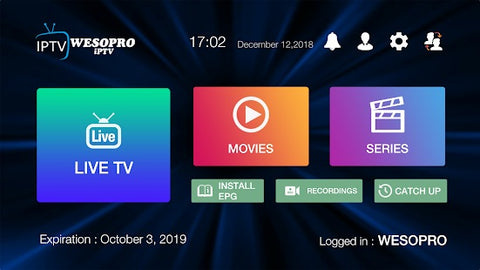
Installation tutorial Android Device and TV Box
How to install IPTV on Android Device and TV Box
HOW TO INSTALL IPTV ON ANDROID DEVICE AND TV BOX
Follow these steps to install IPTV on an Android device and TV Box:
1. Download IPTV SMARTERS PRO from the Google Play storehttps://iptvtelevisionworld.com/download
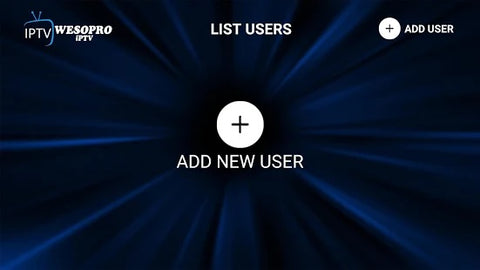
2. Open the app and click on "add a new user":
3. Click on "log in using Xtreme Codes API"

4. Insert the log-in details that we will be sent to you (your log in information will be sent to you by our team within 48 hours from the purchase):

5. Use the intuitive interface to navigate the DragonTV interface and watch live TV, movies and series from anywhere!